 Exclusively for Platinum Subscribers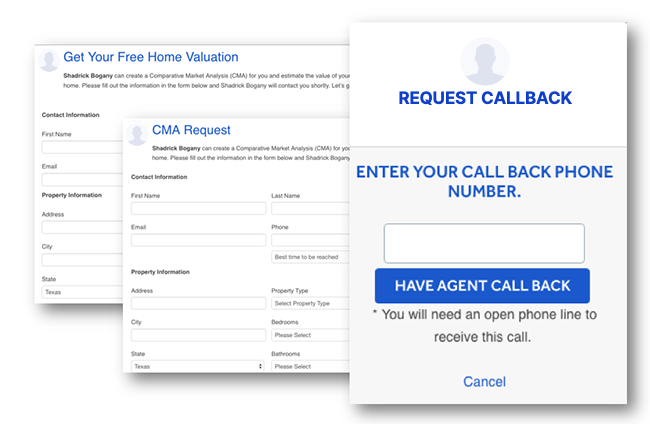
How LeadConnect Works
Consumers have the ability to contact an agent or a broker when viewing a listing on HAR.com to obtain more information about the listed property. For example, a consumer may simply click on ‘E-mail Agent’ or ‘Schedule Showing’ to submit his/her contact information to the listing agent. In submitting contact information through ‘E-mail Agent’ or ‘Schedule Showing,’ a consumer is requested to enter his/her telephone number. As soon as the information is submitted, a lead is generated to the listing agent. With LeadConnect, this scenario remains true except that in addition to an e-mail lead being generated, the listing agent will now be connected over the phone with the consumer — instantly.
To access your LeadConnect settings
- Consumer is requested to enter his/her phone number.
- LeadConnect technology connects to the listing agent first
- Listing agent now has the option to: a) accept the call from the consumer or b) deny the call
- Once the listing agent chooses to be connected, HAR.com connects the listing agent to the consumer
- Consumer answers
- Consumer and real estate professional are now connected
This is how it works:
(Note: LeadConnect is activated only if the consumer has provided a telephone number or if the lead is delivered within your designated business hours.)
How LeadConnect Benefits You - the Realtor®
- Impress consumers with fast response time
- Never miss a lead, calls forwarded to any desired location
- Member service offered to you by HAR at no additional cost
- Call tracking by individual listing and Caller ID information